
Customizing the UI
Learn how to configure brand-specific colors, fonts, and payment type layouts for the PayNearMe Embedded Client to deliver a seamless, on-brand payment experience.
PayNearMe can customize the UI of your payment form with brand-specific colors for the header, icons, and buttons, and the size and type of font for text. You can also choose to display available payment types as buttons or a clickable list.
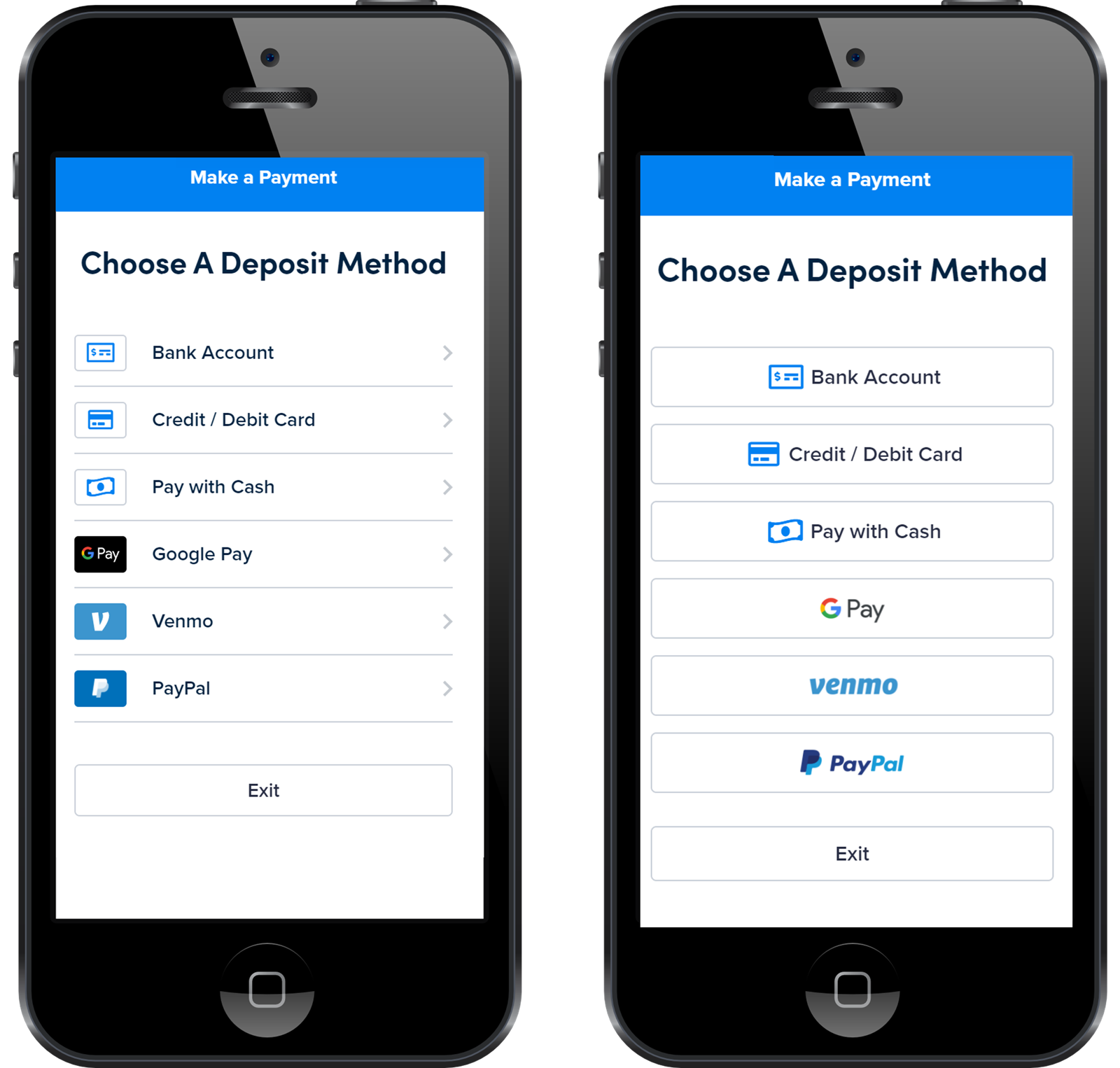
List View (left) and Button View (right)
These branding customizations ensure that the transition from your site to PayNearMe and back is smooth and practically indiscernible.
Updated about 1 month ago
Did this page help you?